Design freely. Present professionally.
From first mockup to approved proposal and setup sheet.
Design balloon installations on your client’s own space, send a proposal with your price, and prepare the setup with clear materials and tasks.
Free in your browser, no sign-up. The demo lets you try the editor; proposals and setup sheets come with the full version.
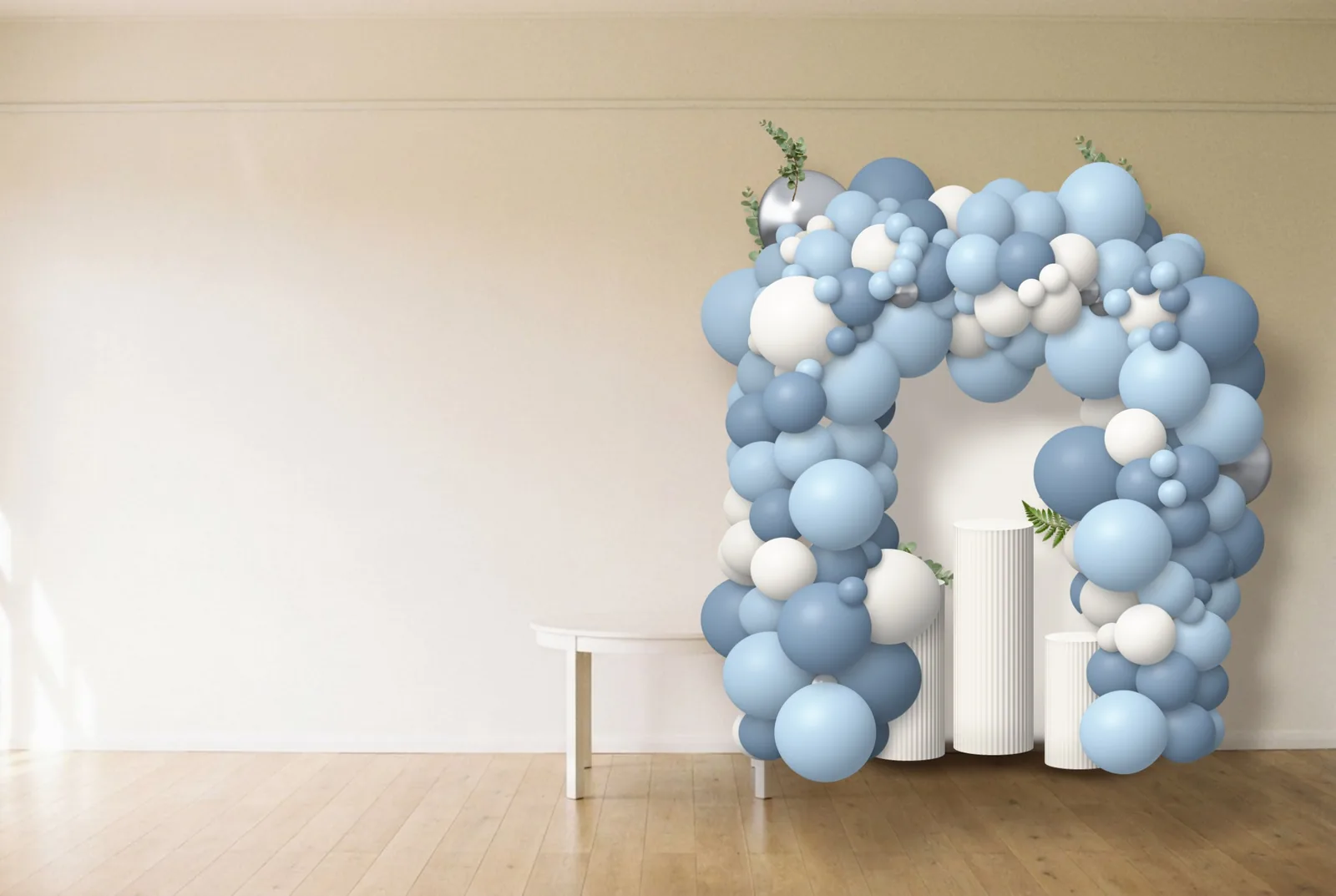
1Your design 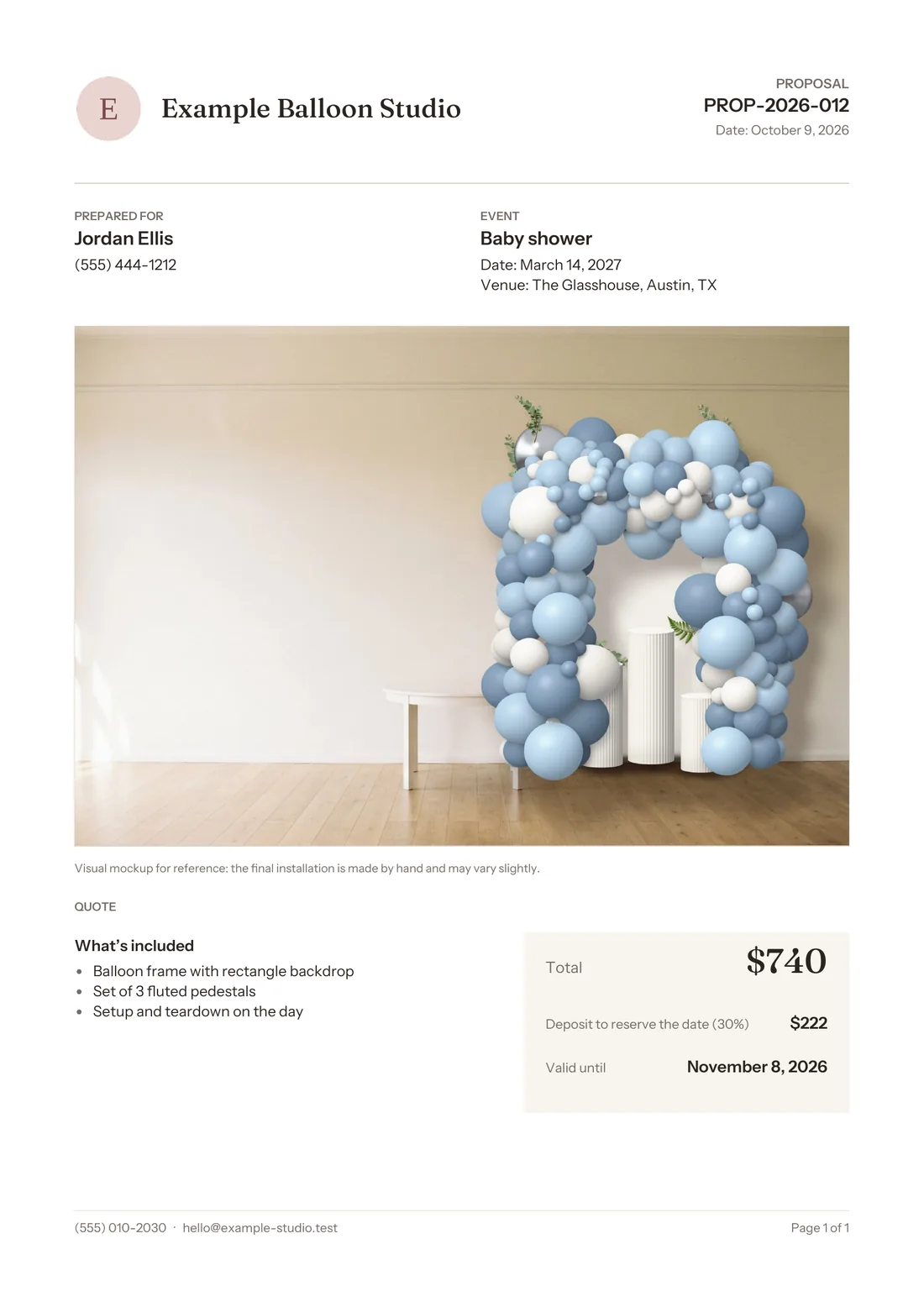
2Your proposal 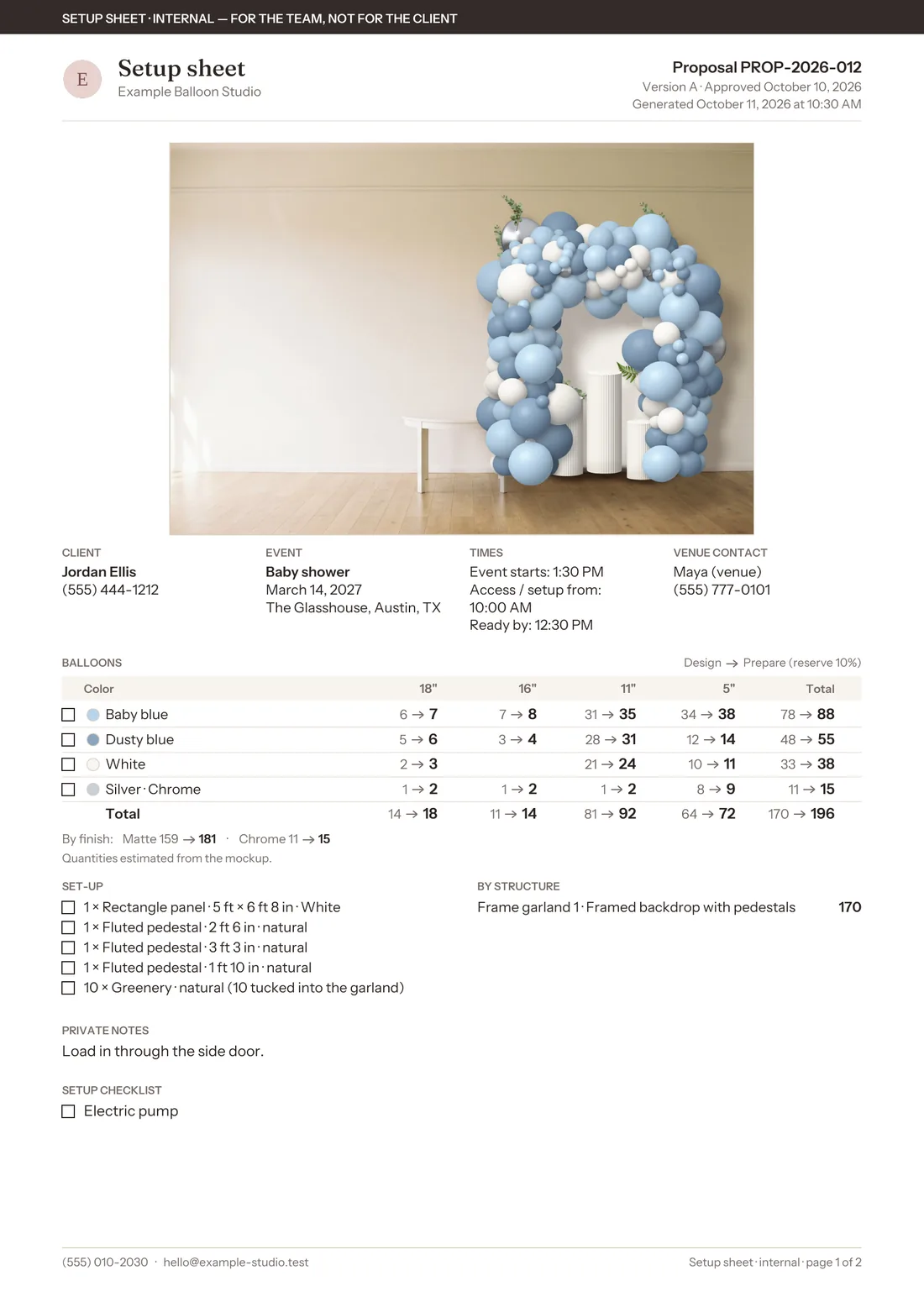
3Your setup sheet


From first idea to setup day.
Design
On a photo of their space, at real size.
Present
A PDF with your logo, the price and the deposit.
Approval
Mark it approved; the design is saved as approved.
Setup
Balloons by color and size, with spares and checklists.
1Design
A mockup your client can picture in their space.
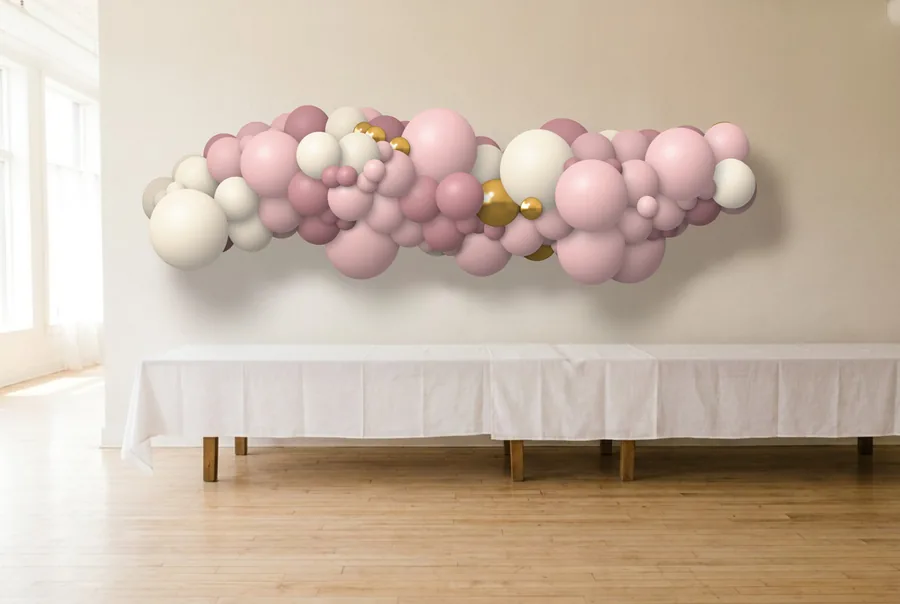
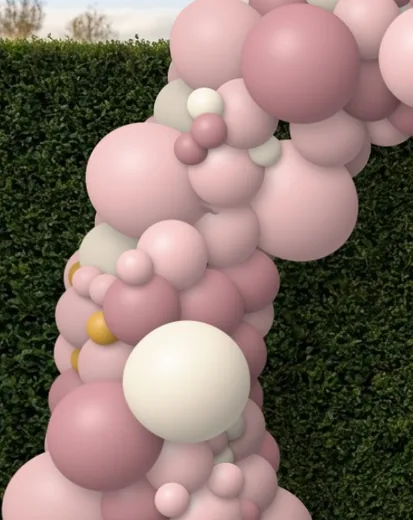
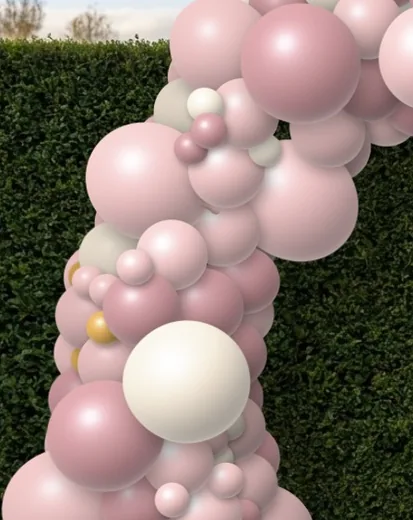
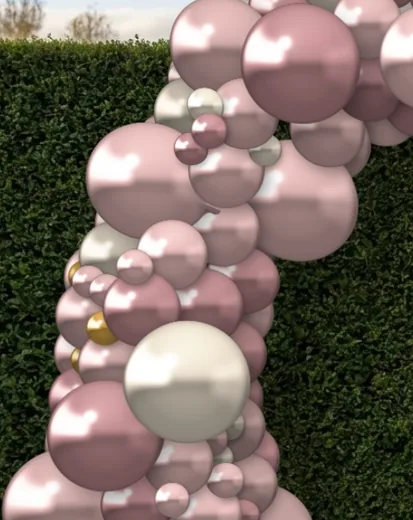
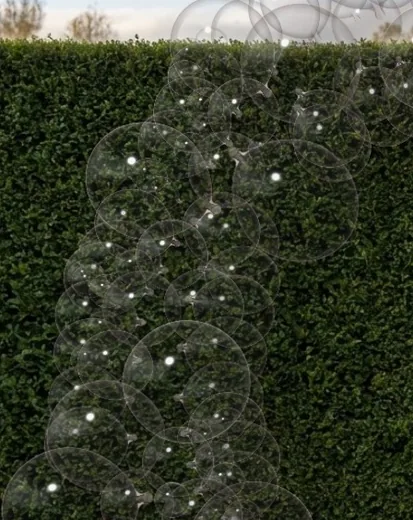
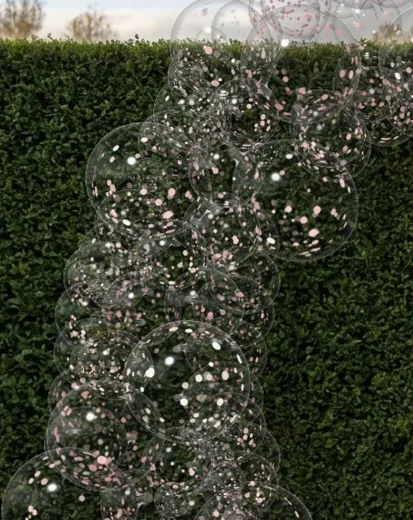
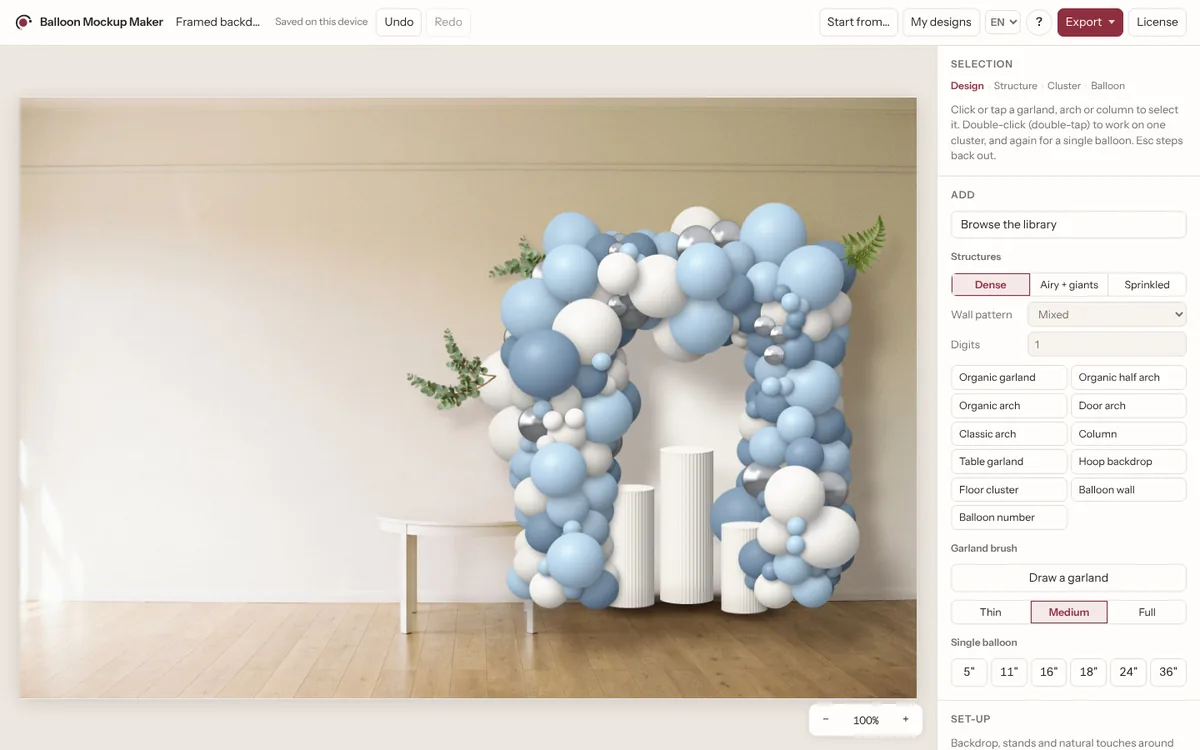
Start from your client’s photo or one of 48 designs for real events. Add backdrop panels, pedestals and greenery, choose trade colors and finishes, and adjust anything down to a single balloon.
- Design → structure → cluster → balloon
- Real sizes from 5" to 36"
- Backdrop panels, pedestals and natural fillers
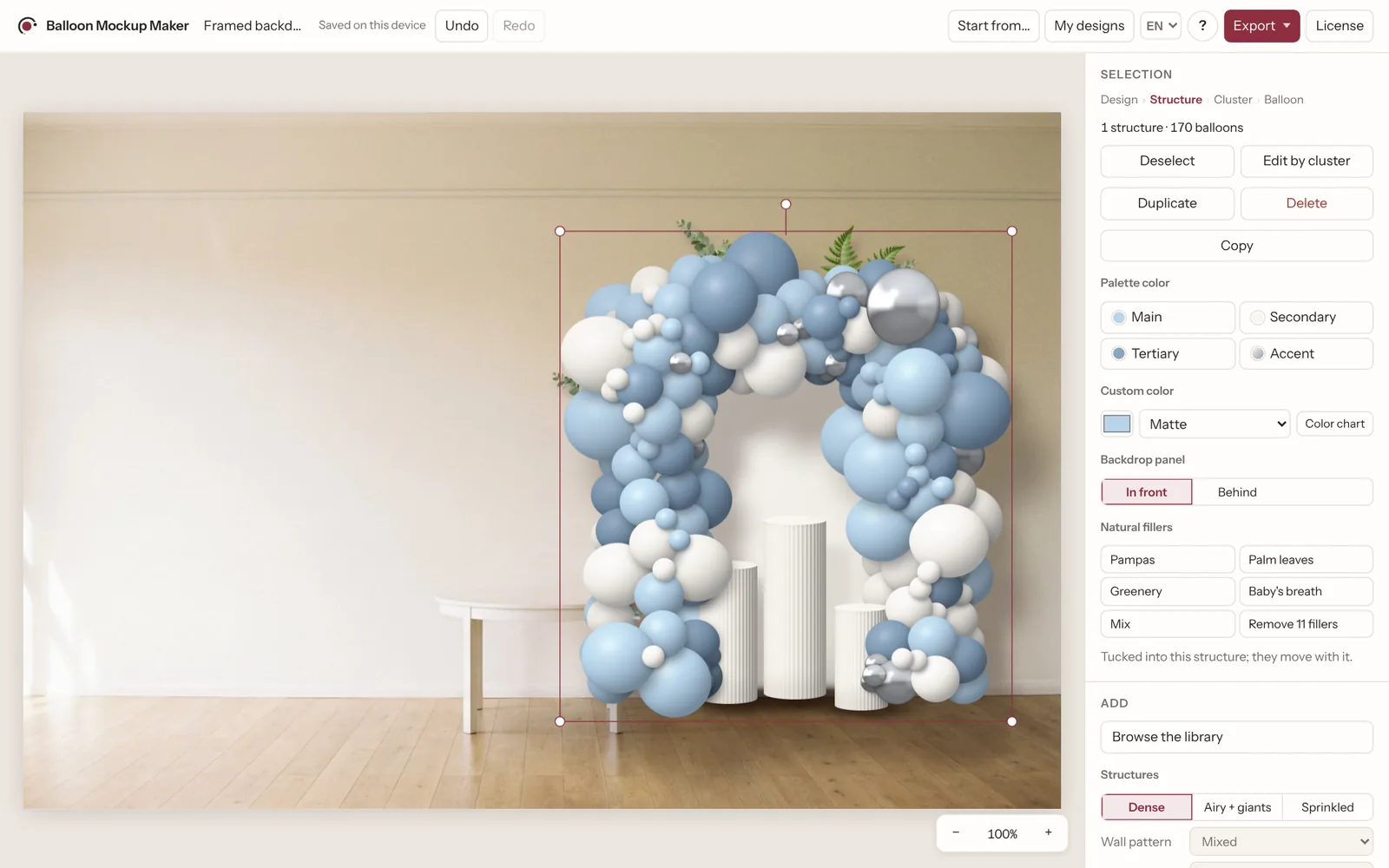
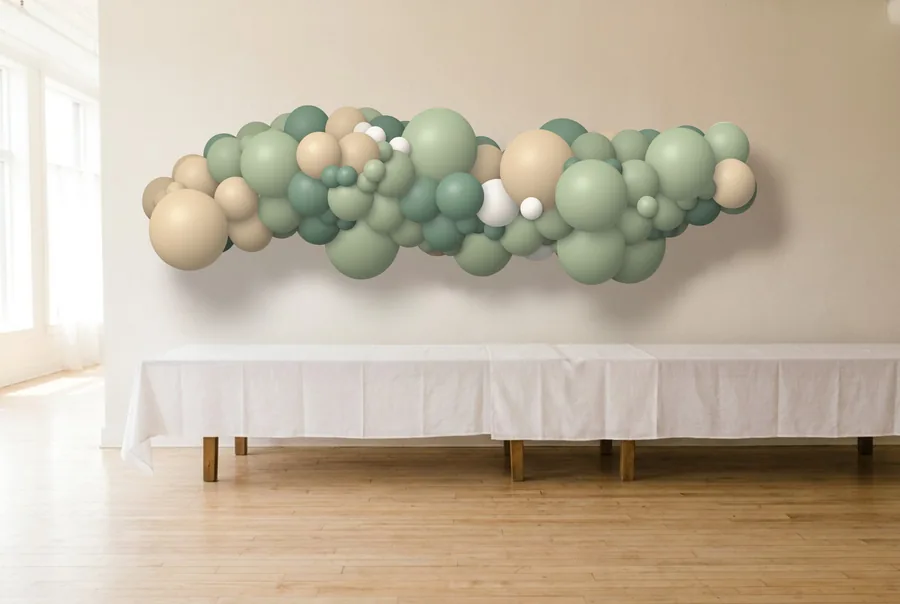
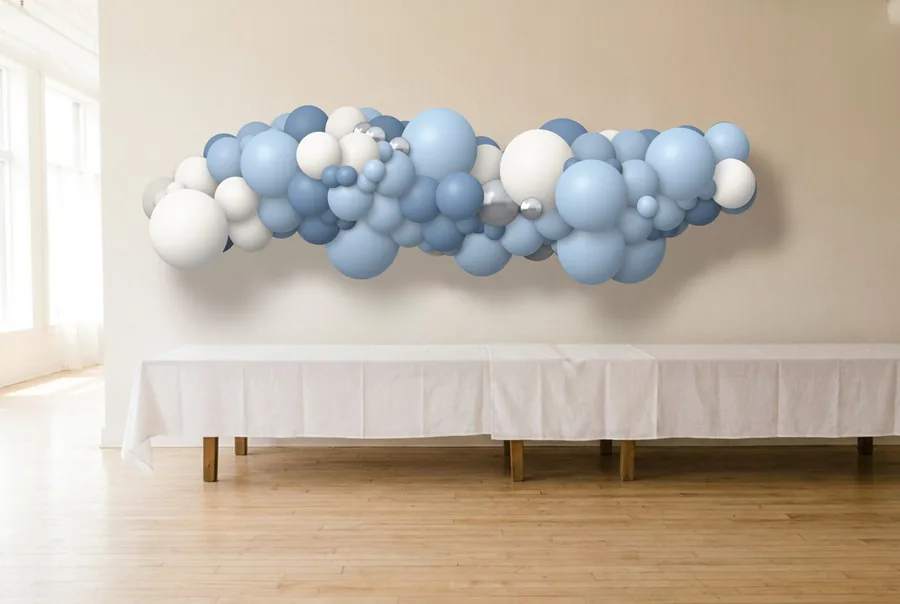
Change the palette, not the whole design.
Every balloon follows its palette color, so a new color story takes one tap.
2Present
A proposal that looks like your studio.
Your logo, the mockup, what’s included, the total, the deposit and how long the price holds, in a clean PDF. Offer a version B, share it from your phone and keep track of what’s sent and approved.
Quotes only: no invoices, taxes or payments.
3Approval
ApprovedApproved means approved.
When your client says yes, the approved design is saved exactly as it was. Your setup sheet always comes from it, even if you keep refining the design.
4Setup
Know what to prepare.
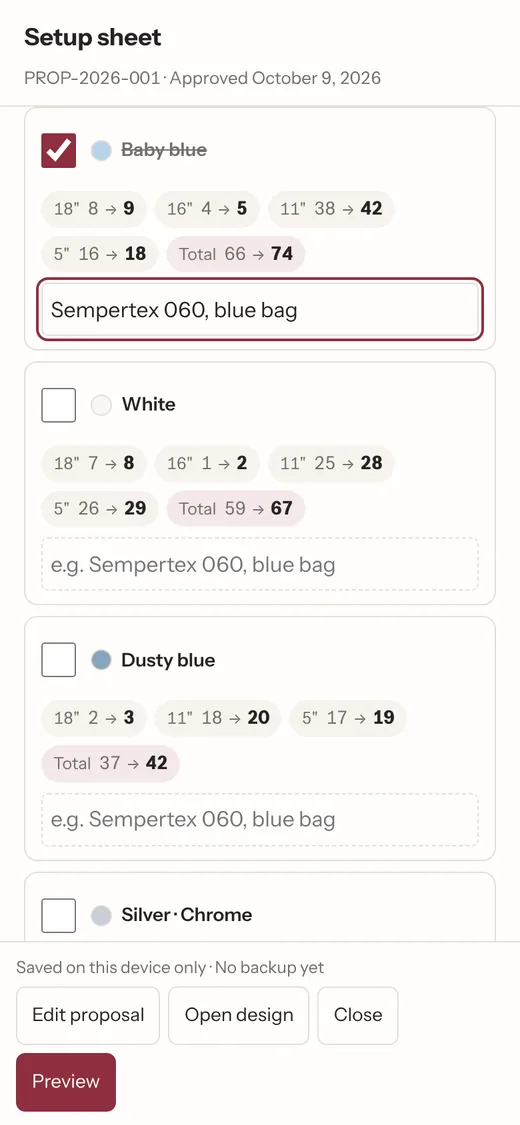
Balloons by color and size with your spare margin, panels and pedestals, setup and teardown checklists, private supplier references, times and the on-site contact. For you and your team, never for the client.
See it with your own design.
Try the free demoProposals and setup sheets come with the full version.
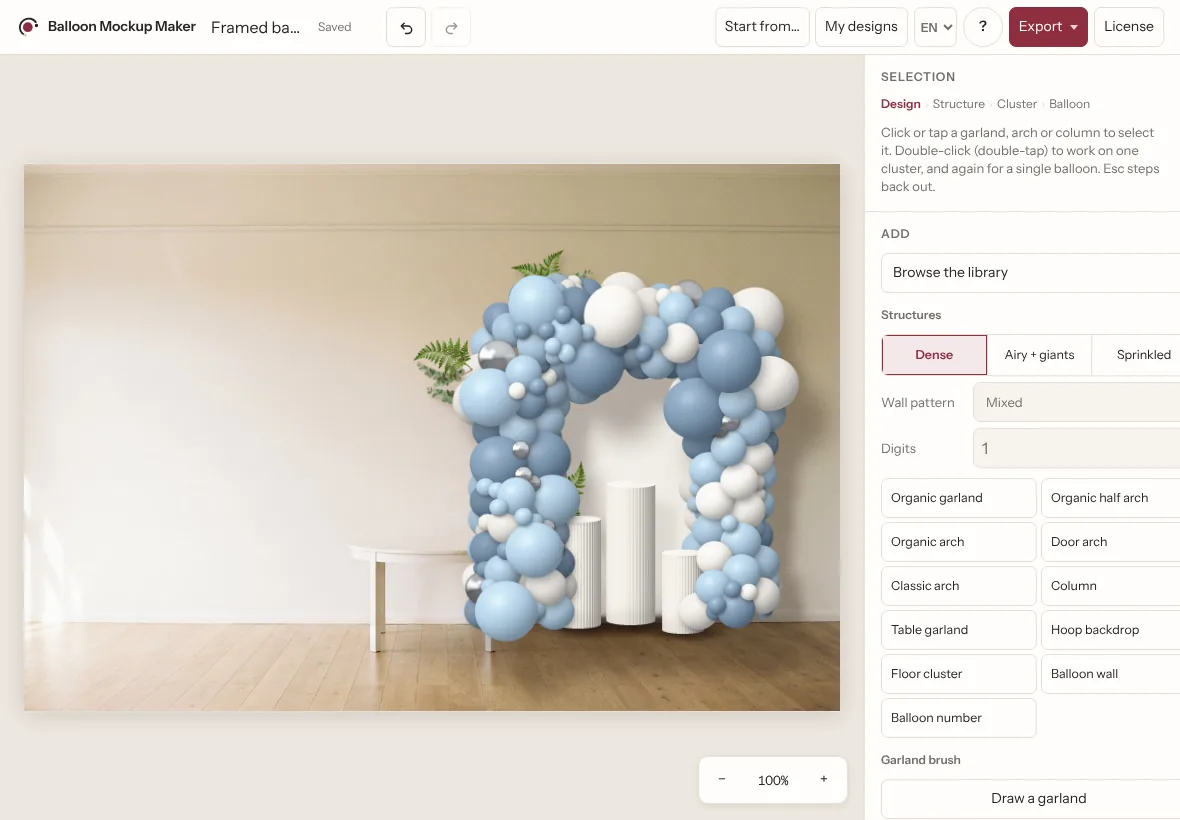
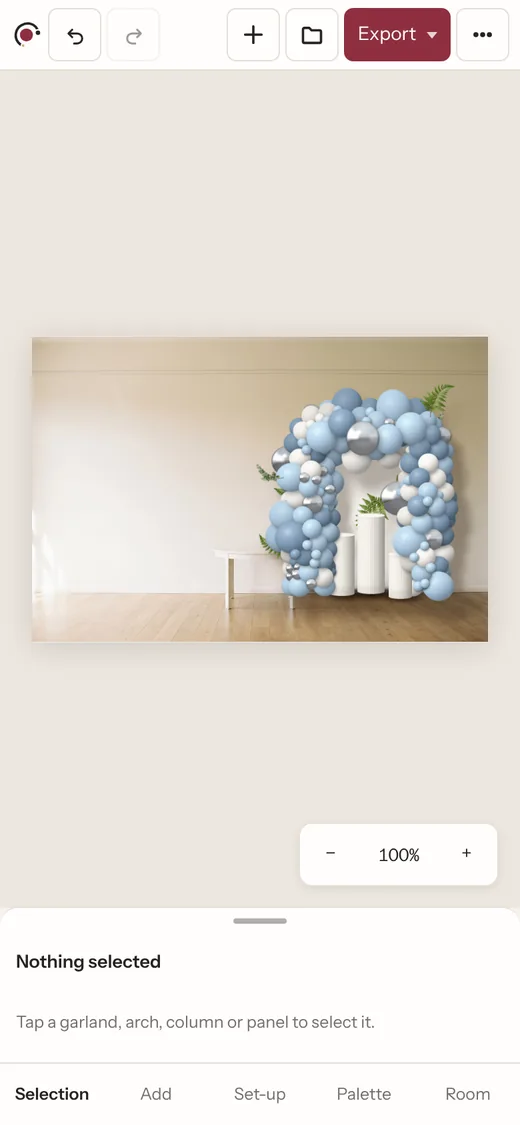
On your phone, tablet and computer.
It keeps working without a connection. Your designs, clients and proposals stay on the device you work on; move them with a design file or a full backup.
- Works offline
- Your photos stay on your device
- Back up everything in one file
- English and Spanish
Try it before you buy.
In the free demo
- The real editor
- 3 starting designs, one with a full setup (panel, pedestals, greenery)
- 2 sample rooms
- 4 palettes
With the full version
- Your clients’ photos
- Client proposals
- Setup sheets
- The whole library
- Saving your designs
- Clean high-resolution and transparent exports
One tool from first idea to setup day.
- 48ready-made designs
- 11structures in 3 styles
- 21color palettes
- 7sample rooms
$24.90
One-time purchase · no subscription
Design
- On your clients’ own photos
- The whole library: 48 designs, 11 structures, 21 palettes, 7 rooms
- Panels, pedestals, fillers and every finish
Present
- Client proposals in PDF, with version B
- Clean high-resolution PNG and JPG
- Transparent PNG for Canva
Setup
- Setup sheets with materials, spares and checklists
Everywhere
- Phone, tablet and computer
- Works offline
- Save, back up and restore
Your license key arrives by email. Paste it into the app and everything unlocks.
Not sure yet? Try the free demo first.
Questions
Does it work on my phone?
Yes. On phone, tablet and computer, in Safari or Chrome, with touch gestures or mouse and keyboard. You can add it to your home screen like an app.
Can I use it on my phone and my laptop?
Yes. Each device keeps its own designs and proposals; there is no automatic sync. Move them with a design file or a full backup.
Do I need an internet connection?
Only the first time you open it and once to activate your license. After that it works offline.
What does my client receive?
A PDF with your business name, your logo and your price. It shows your studio, not this app.
Does it make invoices or take payments?
No. It prepares quotes and proposals; invoicing and payments stay with your usual tools.
Where are my photos and designs stored?
On your device. They are not uploaded anywhere.
What is in the demo?
The real editor with 3 starting designs (one with a full setup), 2 sample rooms and 4 palettes. Proposals, setup sheets, your own photos, the whole library, saving and clean exports come with the full version.
How do I activate it?
After your purchase you receive a license key by email. Open the app, choose “Unlock”, paste the key and you’re done.
Is it available in Spanish?
Yes. The app and this site are in English and Spanish.